
Appearance
Main Application Overview
The main application has four views, accessible from the navigation menu: Explorer, Connections, Tasks, and Settings.
Explorer
The Explorer view is where you discover and browse data sources. Enter a service URL to connect, and the Connector will show what it finds — available layers, coverages, or feature types depending on the service.
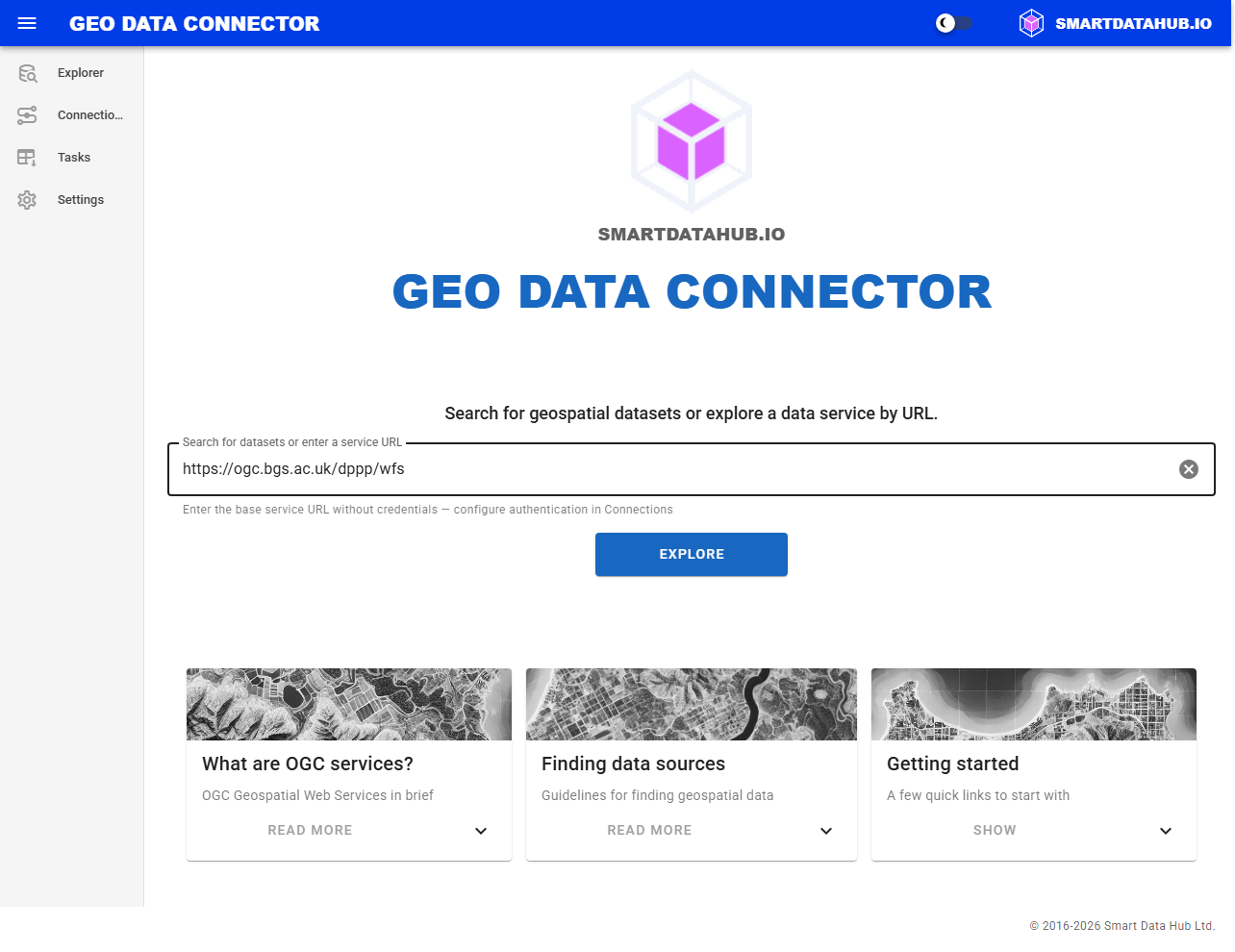
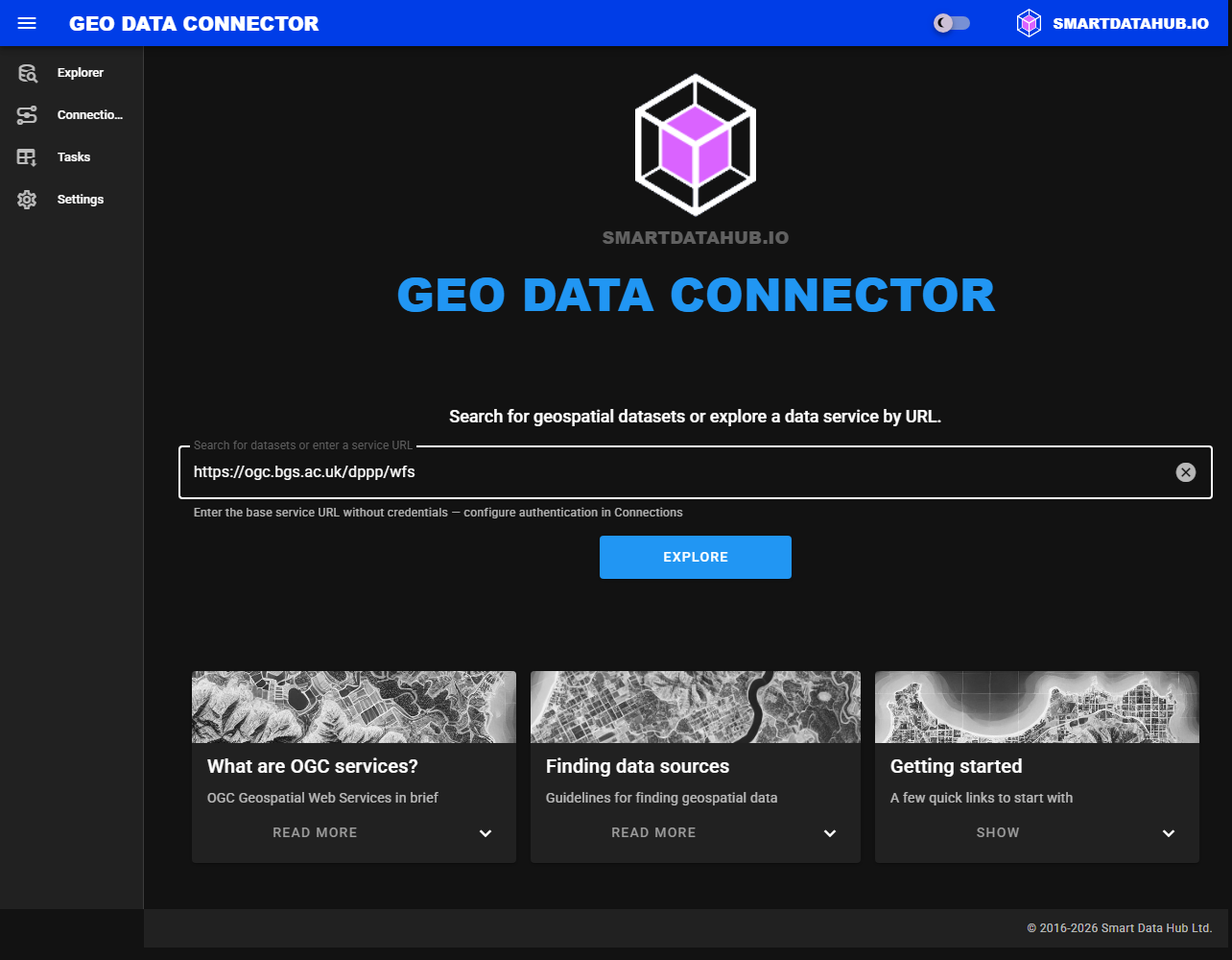
Explorer view — the main entry point for discovering data sources
From the discovery results, you can drill into individual data sources to view their metadata and available datasets. From a dataset's detail page, you can inspect its schema and schedule it for automated ingestion.
The Explorer view also includes sample data sources and guidance on finding new ones.
Learn more: Discovering and Exploring Data Sources
Connections
The Connections view lists your saved data source connections. You can rename, re-explore, or remove connections from here.
Learn more: Managing Connections
Tasks
The Tasks view shows all ingestion tasks — both active and completed. You can monitor progress, pause or resume tasks, and delete tasks you no longer need.
Learn more: Ingesting Datasets
Settings
The Settings view lets you configure the target Snowflake database where ingested data is stored. The database must follow Snowflake naming conventions and be owned by the Connector.
Learn more: Application Settings