
Appearance
Step 5: Confirm Purchase
Review the pricing details, payment method, and billing information shown in the pop-up window. Click Buy to proceed with the installation.
Note: Geo Data Connector uses a usage-based pricing model. Proceeding with the installation at this stage does not incur any charges.
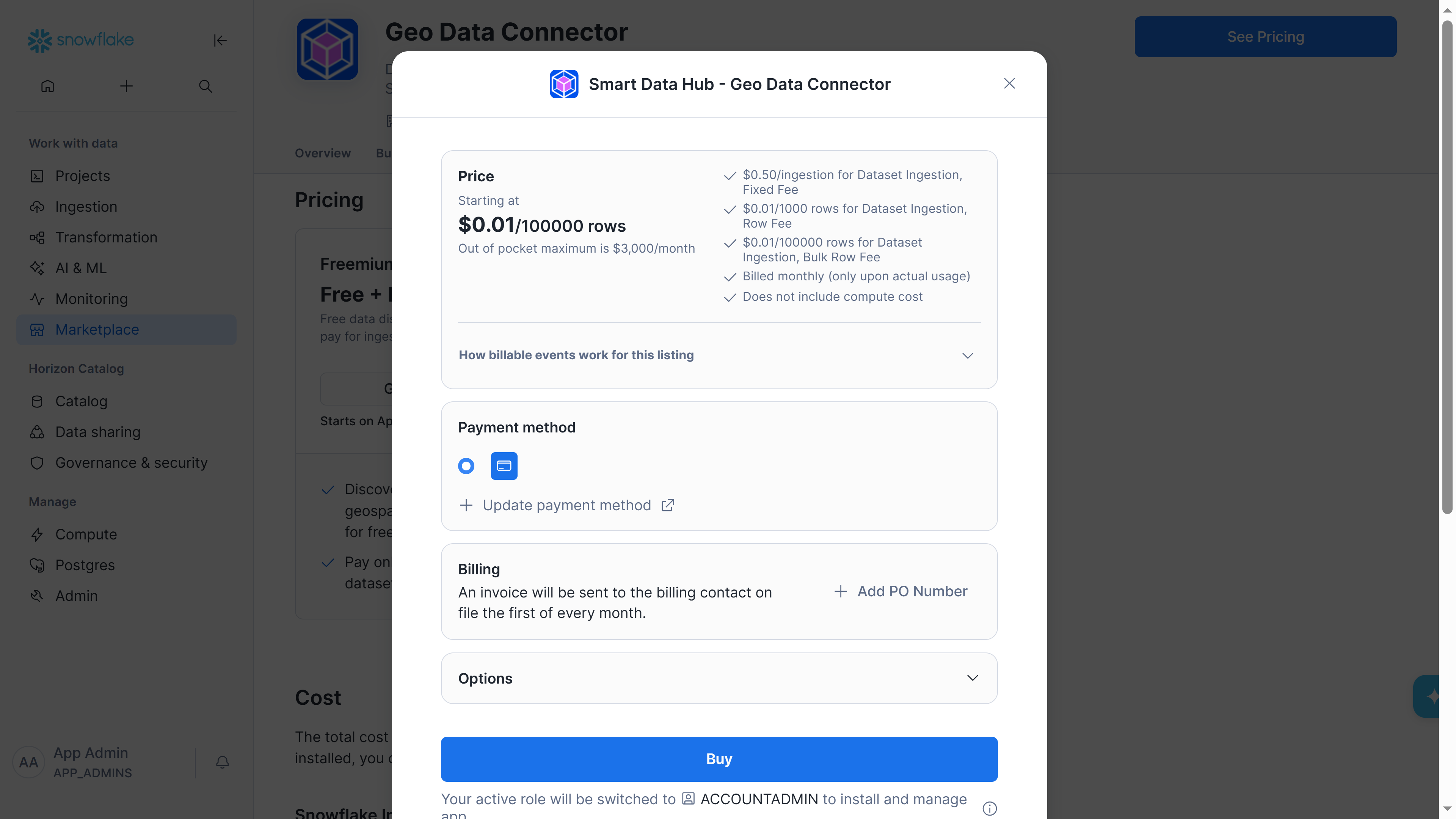
Purchase confirmation dialog with pricing details, payment method, and Buy button
Previous: Step 4: View Pricing