
Appearance
Step 3: Drill Down to Dataset
Click on a search result row to navigate to the dataset. If a dataset is available through multiple service types (e.g., both WFS and WMS), click on a specific type chip to navigate directly to that service variant.
The Connector connects to the source service and loads the dataset information. This may take a moment depending on the data source.
Note: Some data sources respond slowly. If the initial connection times out, the Connector retries automatically. A progress message keeps you informed.
Dataset Information
Once loaded, the Dataset Information view shows metadata about the selected dataset: name, title, description, column schema, coordinate reference system, and geographic extent.
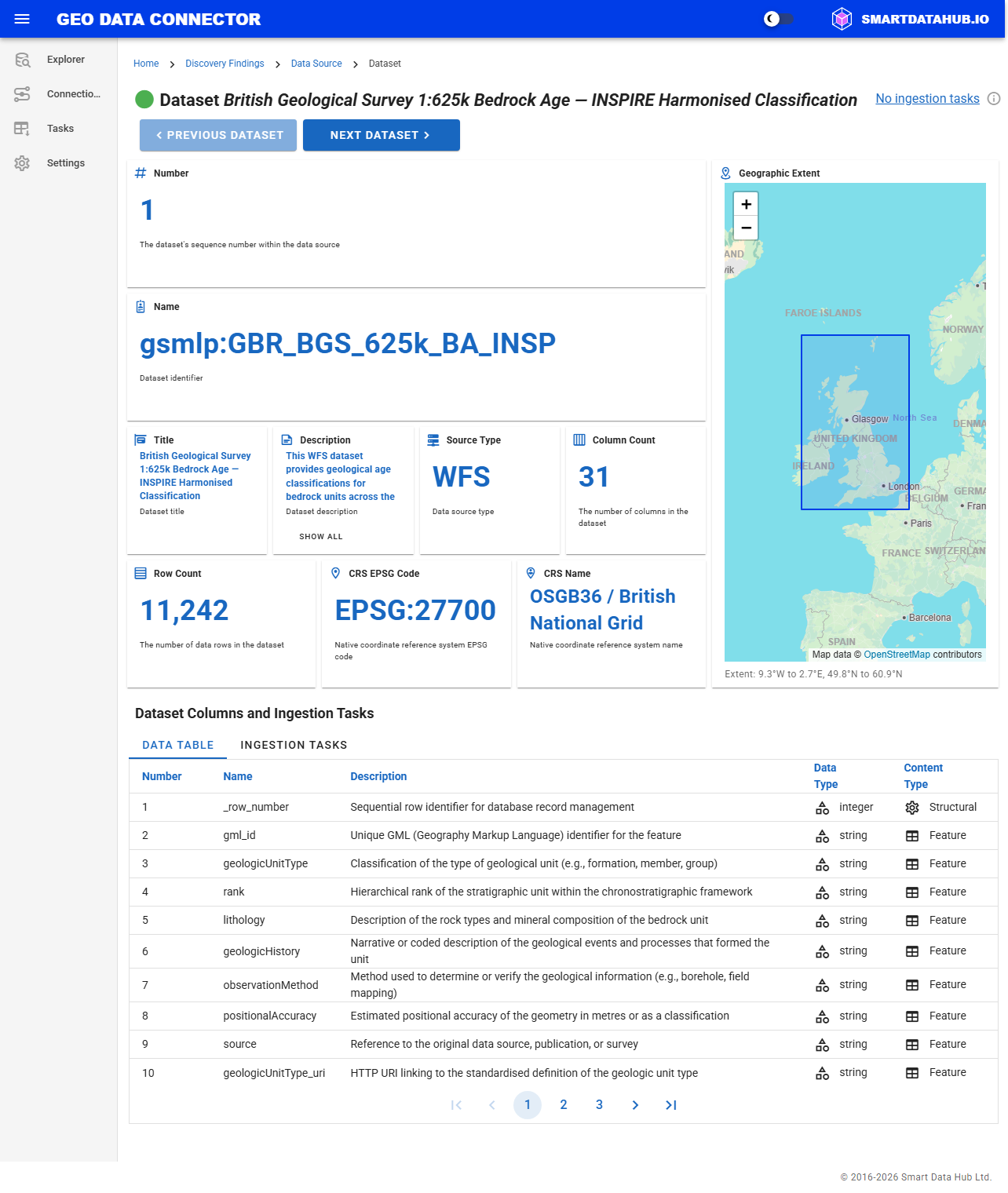
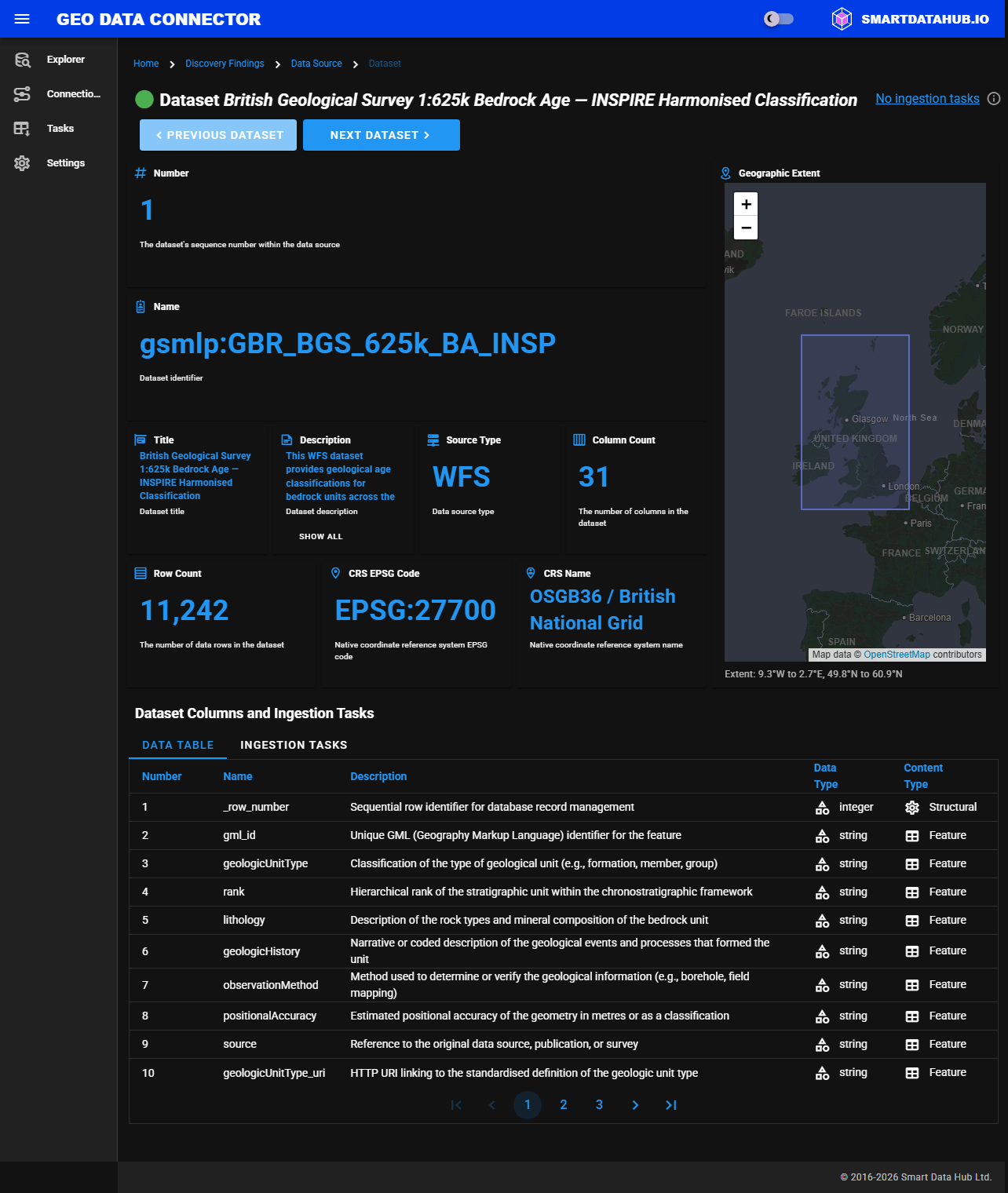
Dataset Information view showing metadata and column schema
From here you can review the dataset schema and geographic extent before enabling ingestion in the next step.
Previous: Step 2: Search for Datasets
Next: Step 4: Ingest Dataset