
Appearance
Step 6: Complete Installation
Geo Data Connector installs to your Snowflake account. A dialog shows the installation progress, and you will receive an email notification once complete.
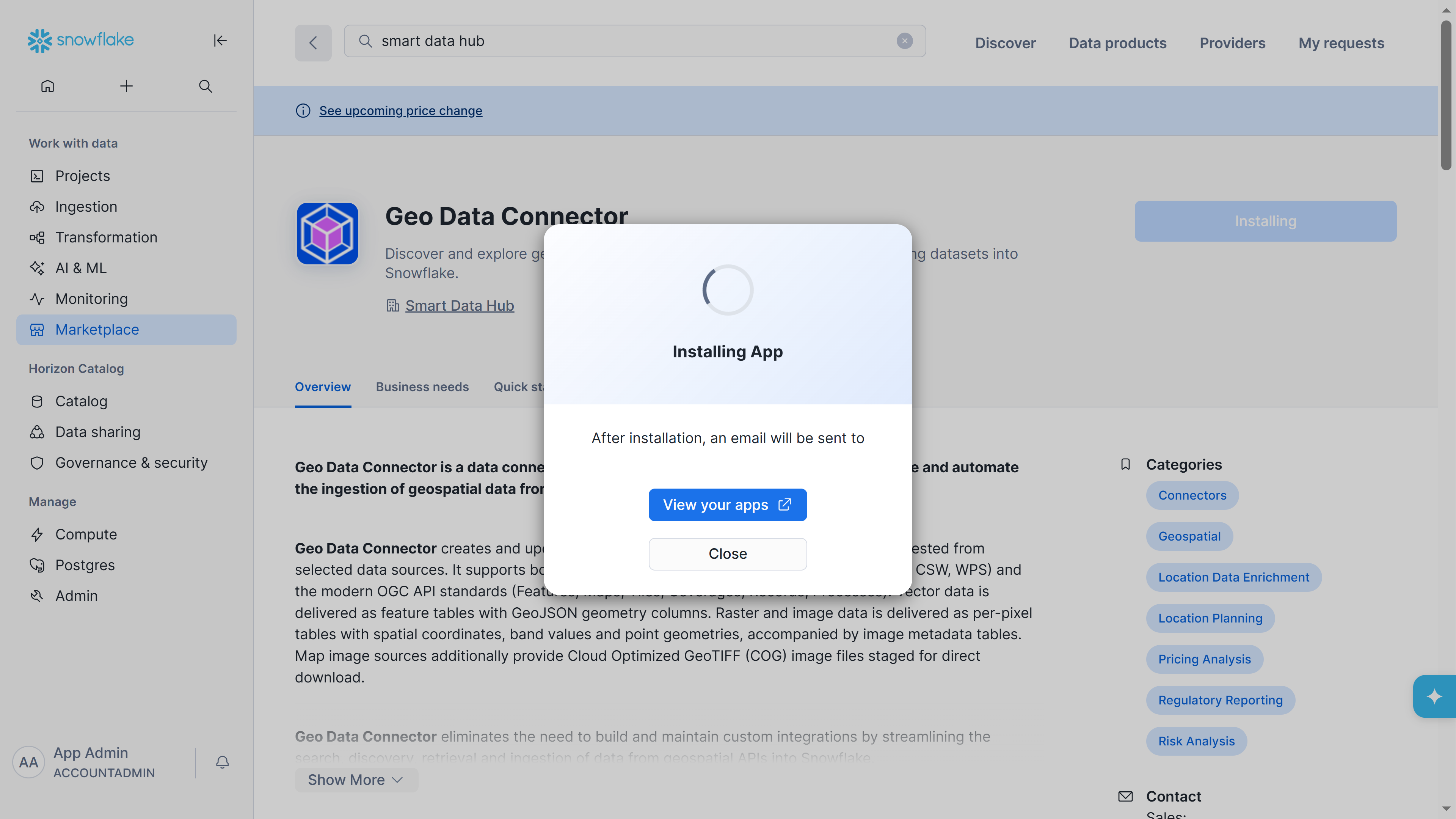
Installation progress dialog
Once the installation is complete, click Open to proceed to configuration.
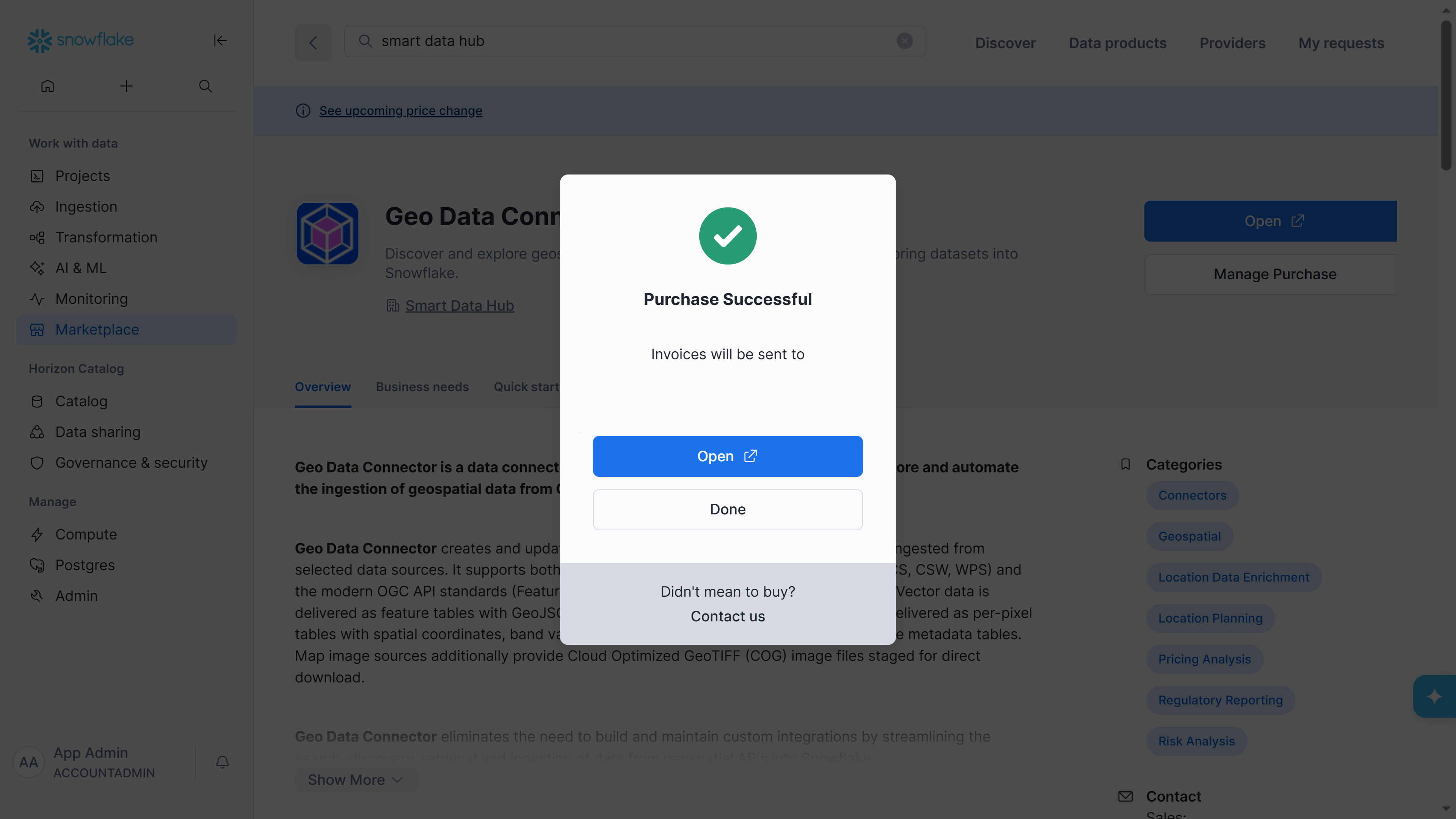
Purchase Successful dialog with Open button
Previous: Step 5: Confirm Purchase