
Appearance
Step 4: Ingest Dataset
Open the Ingestion Tasks tab in the lower half of the Dataset view and click Add ingestion task. This opens a dedicated create page for the dataset, where you choose an Ingestion schedule (and, where supported, optionally limit the geographic area or resolution), then click Create ingestion task. You return to the Dataset view, where the new task appears in the Ingestion Tasks tab.
Free edition: The Ingestion schedule selector on the create page shows only On-demand. The task runs immediately when created. To run it again later, use the Run Now button in the Tasks view. See Editions for a full comparison of Free and paid edition capabilities.
Dataset too large? For datasets too large to ingest in full — or that exceed the Free edition's row limit — Geo Data Connector supports scoped ingestion, limiting a task to a smaller geographic area and/or a coarser resolution. See Scoped Ingestion — use the Limit area or resolution panel on the create page to create a scoped ingestion task directly.
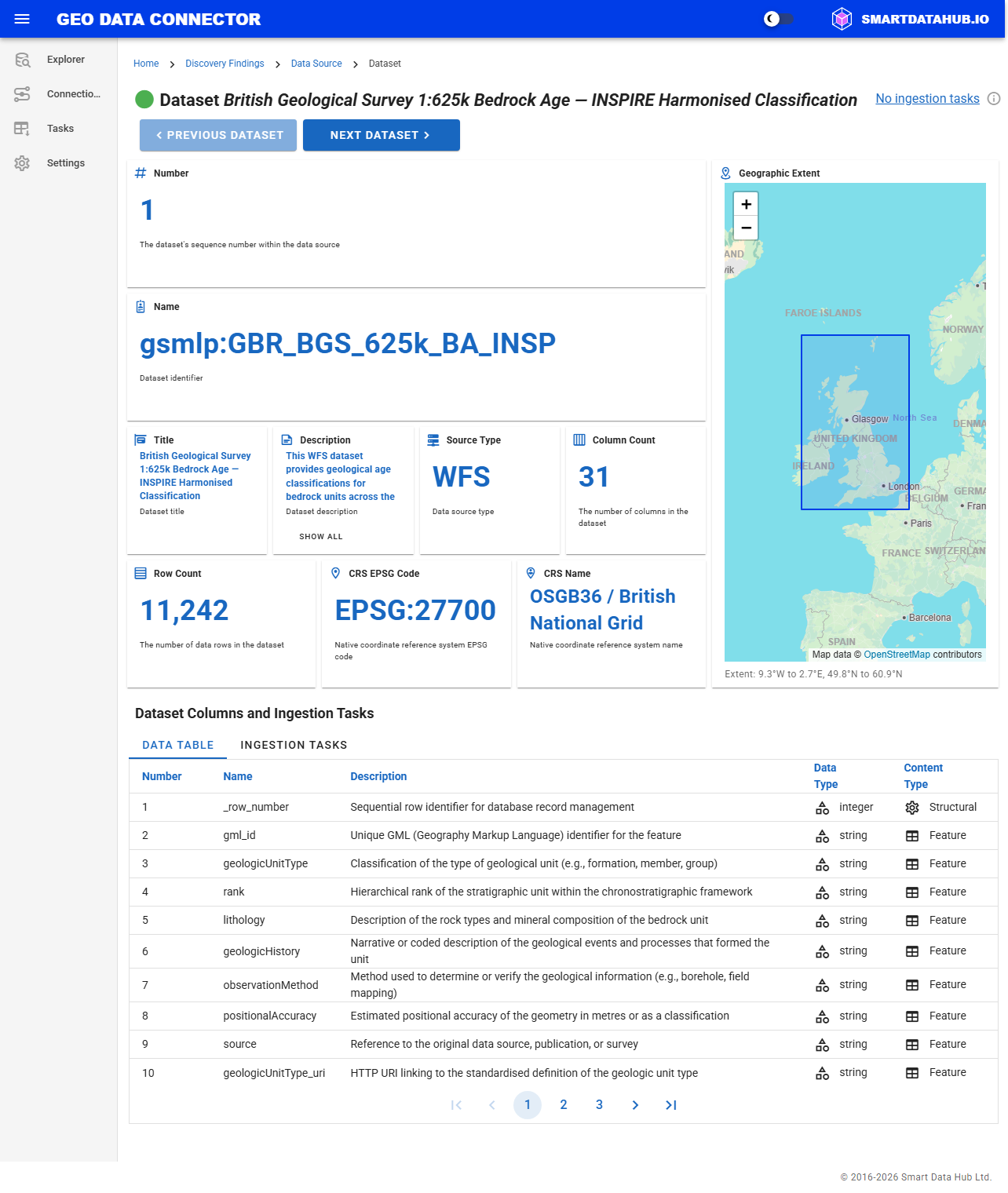
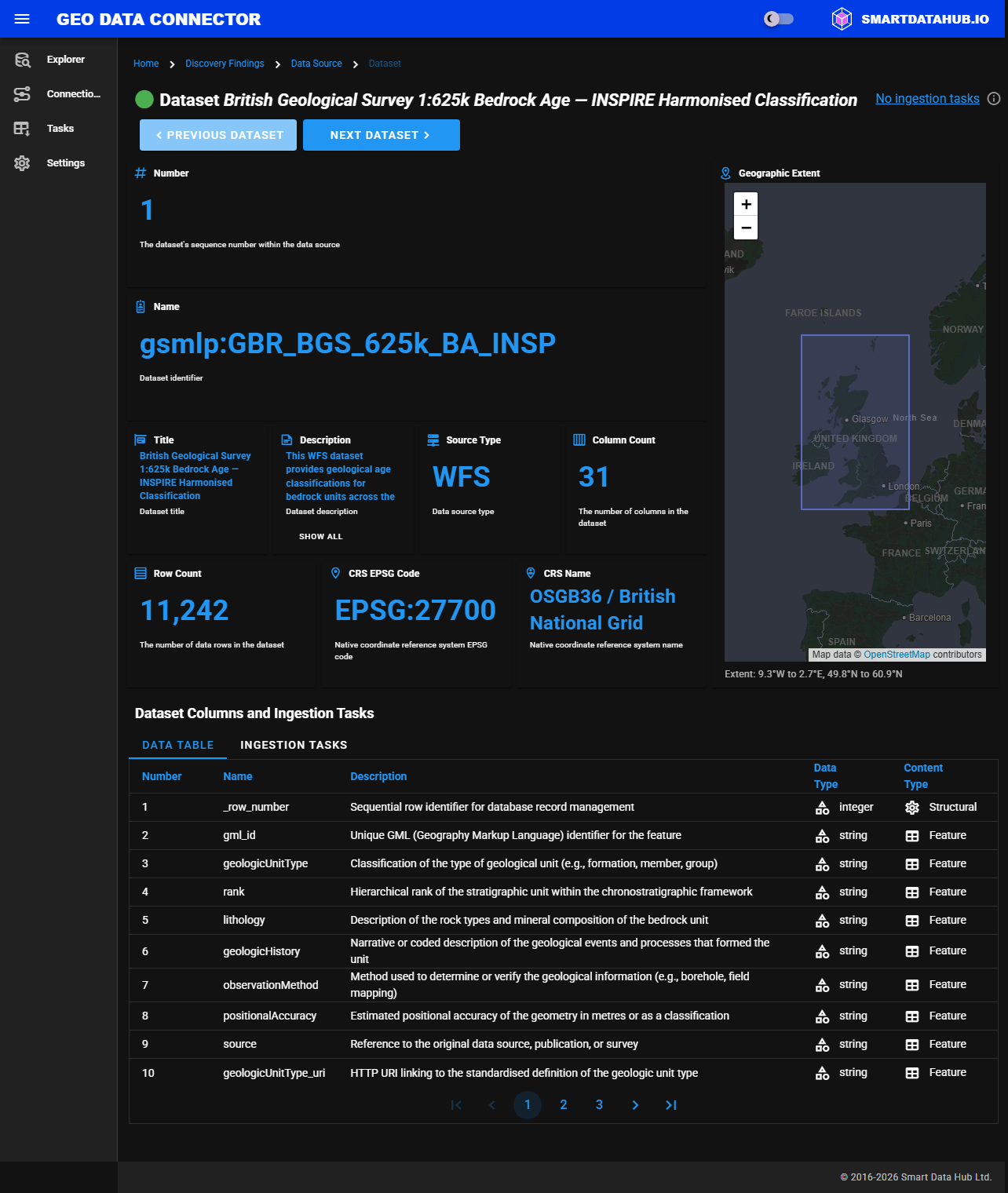
Dataset view with the ingestion controls
Previous: Step 3: Drill Down to Dataset