
Appearance
Step 7: Stop Application
Finally, go back to the Geo Data Connector App Launcher and click Stop App to stop the Connector. Then, click < in the top left corner to exit the App Launcher.
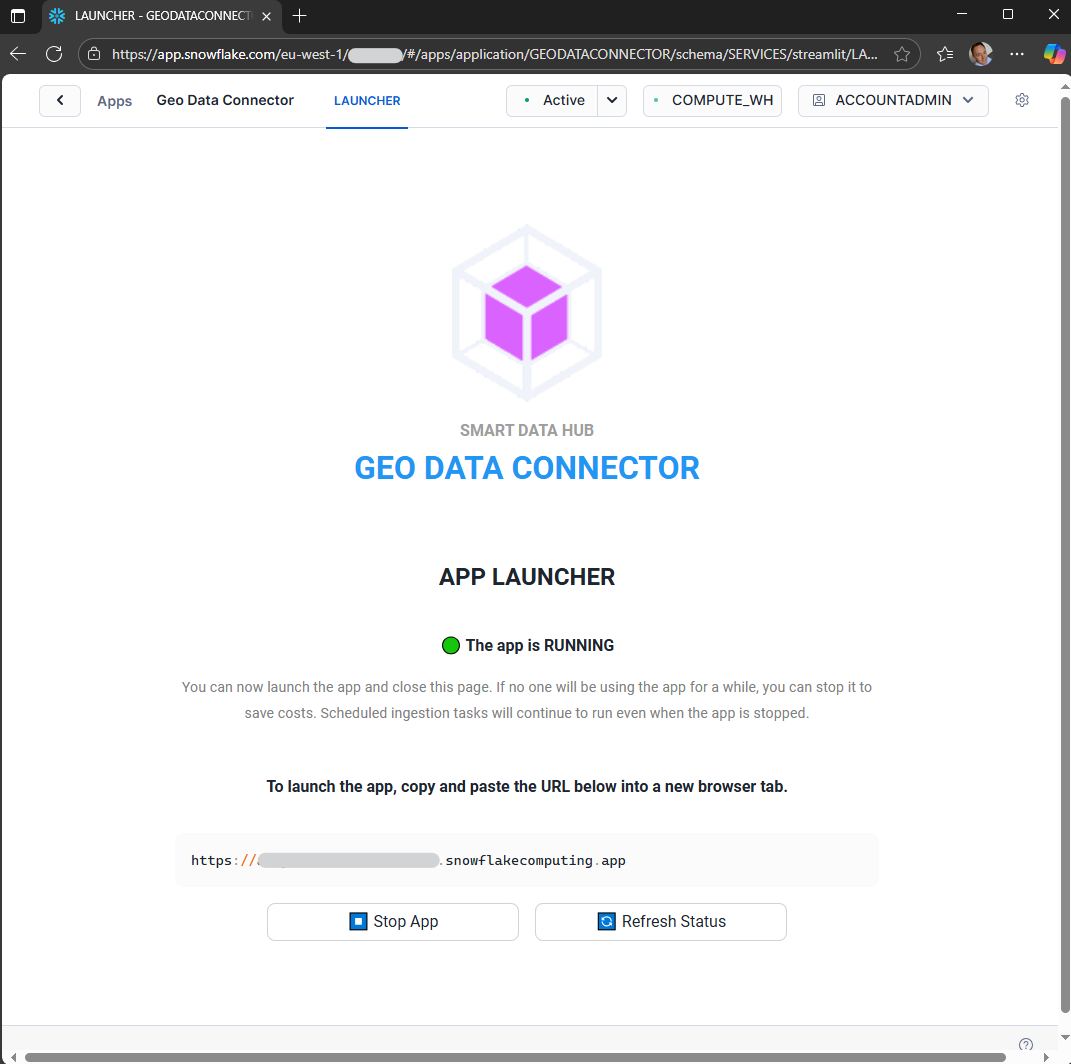
App Launcher in RUNNING state with Stop App button
Important: Cost Management
Note: The Connector continues to run until stopped from the App Launcher. Stop it when not in use to save compute costs.
Ingestion Tasks Continue Running
Configured ingestion tasks continue to update datasets at their scheduled intervals even when the Connector is stopped.
App Launcher Auto-Suspend
The App Launcher suspends automatically after a period of inactivity.
Previous: Step 6: Query Ingested Dataset
Next: Application Overview