
Appearance
Step 5: Monitor Ingestion Task Completion
Click Tasks in the main menu on the left to view the status and the estimated completion time of the selected dataset's ingestion task.
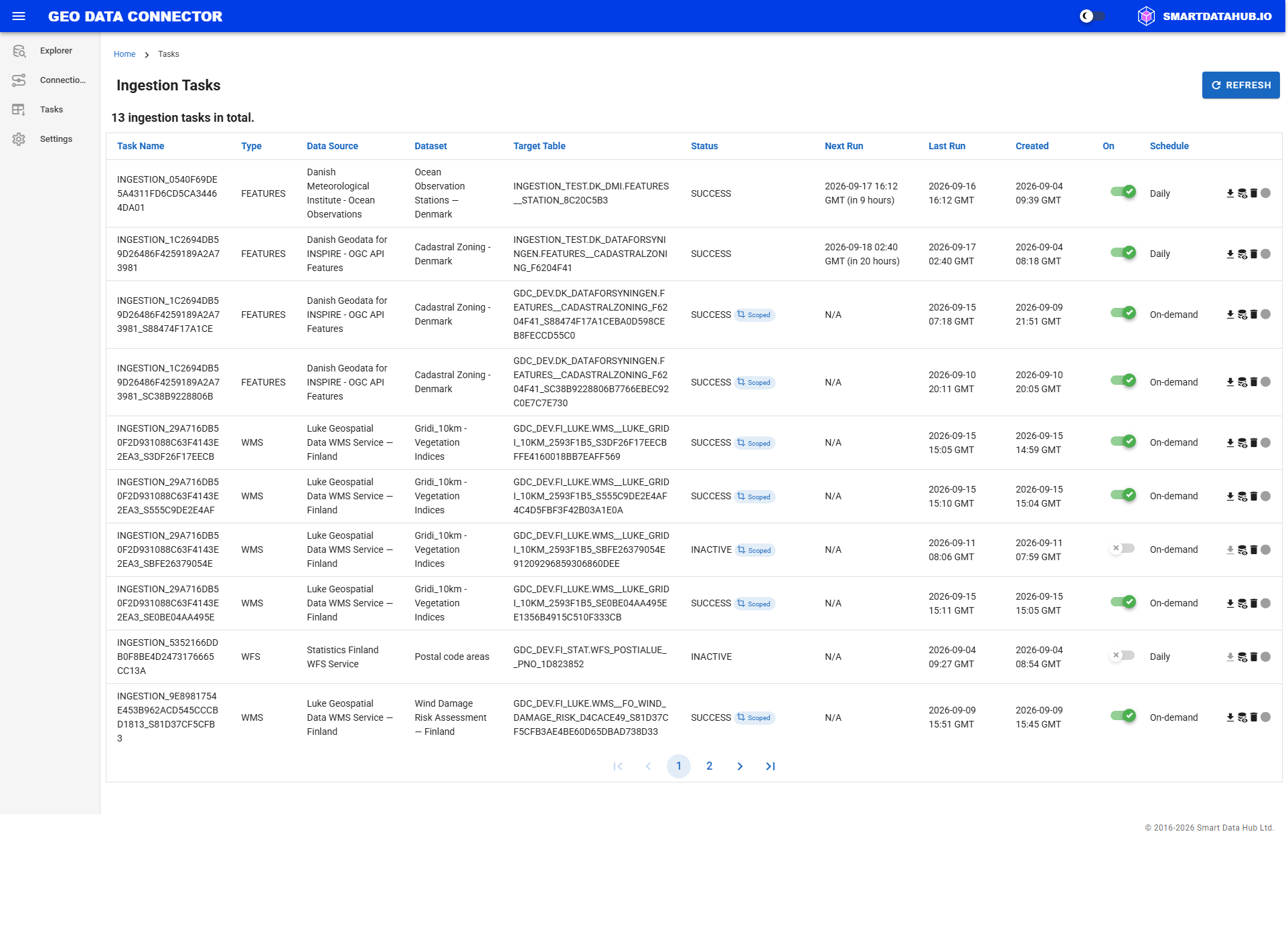
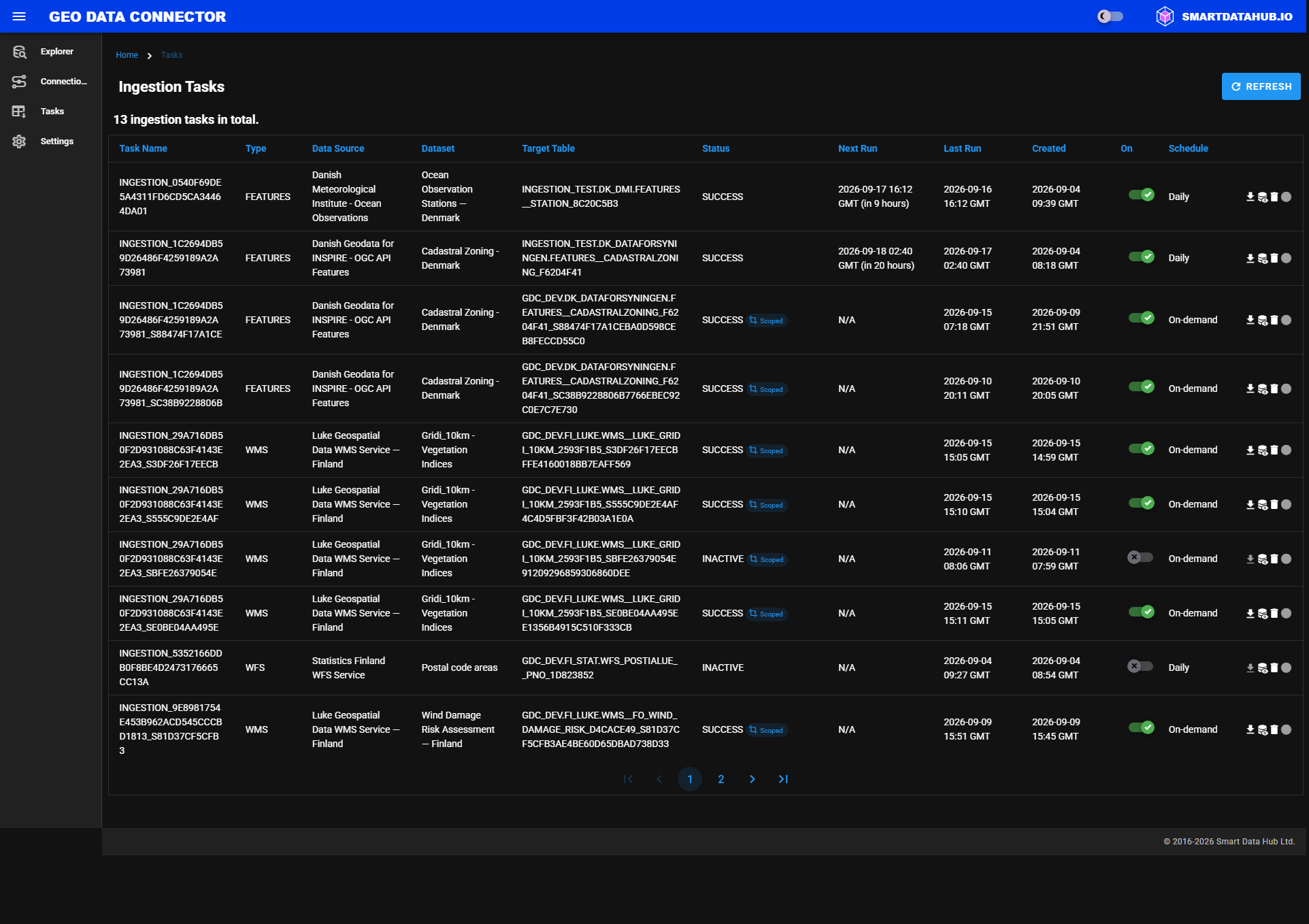
Ingestion Tasks view showing task status and estimated completion time
Note: If the task is a scoped subscription (see Scoped Ingestion) that no longer fits its size budget, a Needs re-scope badge appears alongside its status here and on the Task Details view.
Previous: Step 4: Ingest Dataset