
Appearance
Step 2: Search for Datasets
Type a search term into the input field on the home page. The button label automatically changes from Explore to Search when the input is text rather than a URL.
Use descriptive keywords such as "geology Finland", "soil maps", or "elevation data Europe". Then click Search.
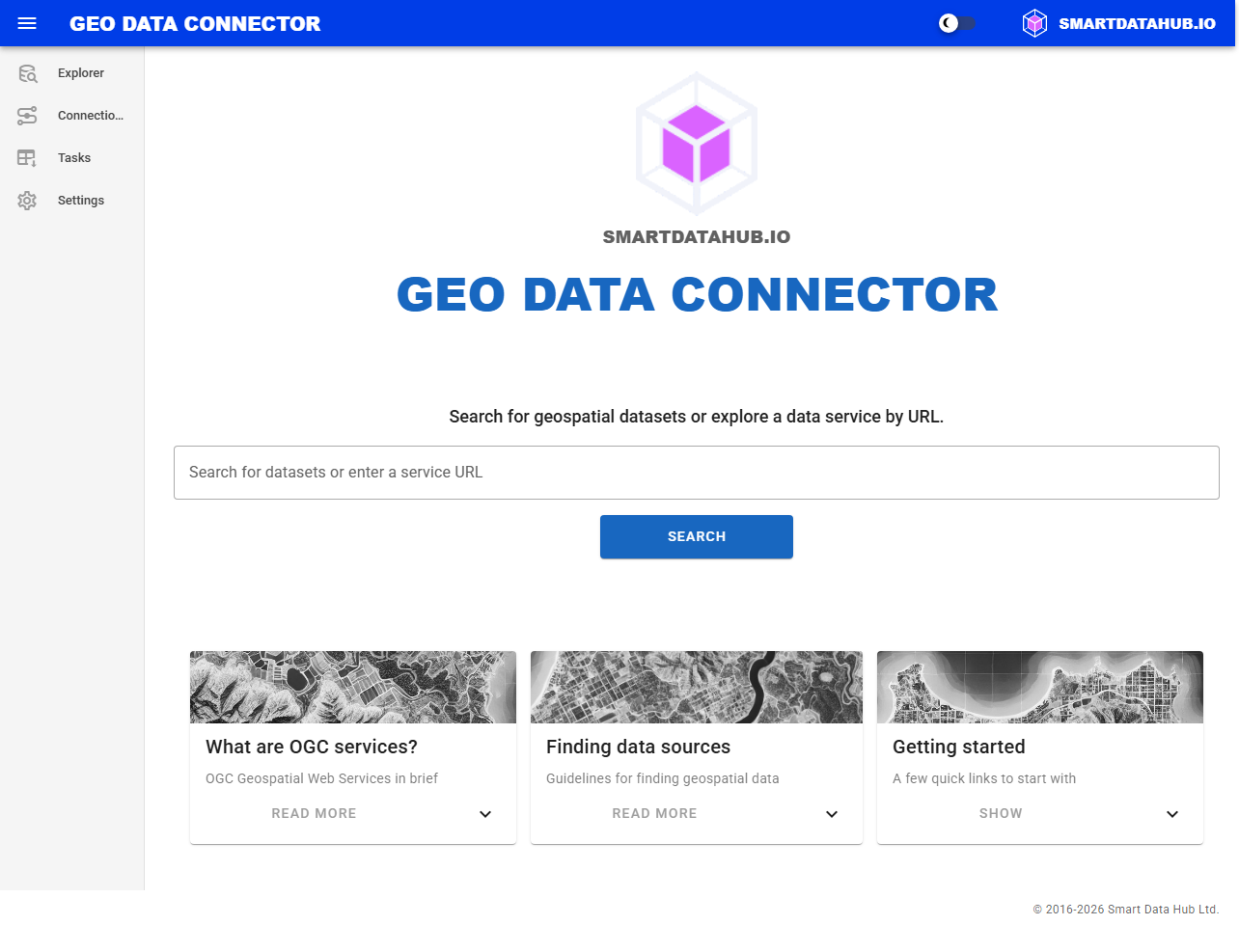
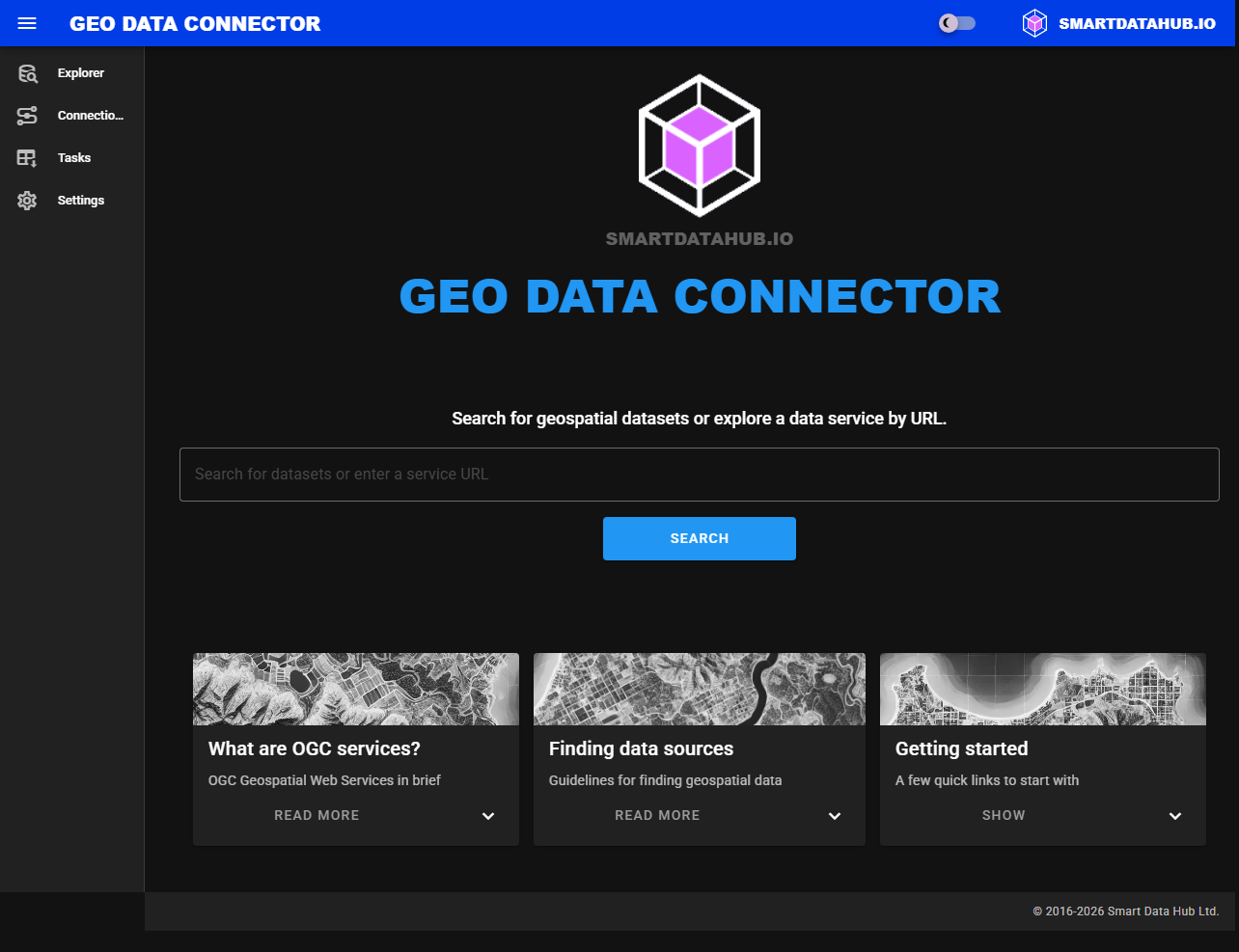
Home page with the search input field
Review Search Results
The search results table shows matching datasets from thousands of indexed data sources. Each row shows:
- Title — dataset name (hover for the full description)
- Type — service type as a colored chip (e.g., WFS, WMS, OGC API Features). Datasets available through multiple service types show multiple chips.
- Source — the organization that publishes the dataset
- Score — relevance percentage
Browse the results and identify the dataset you want to ingest.
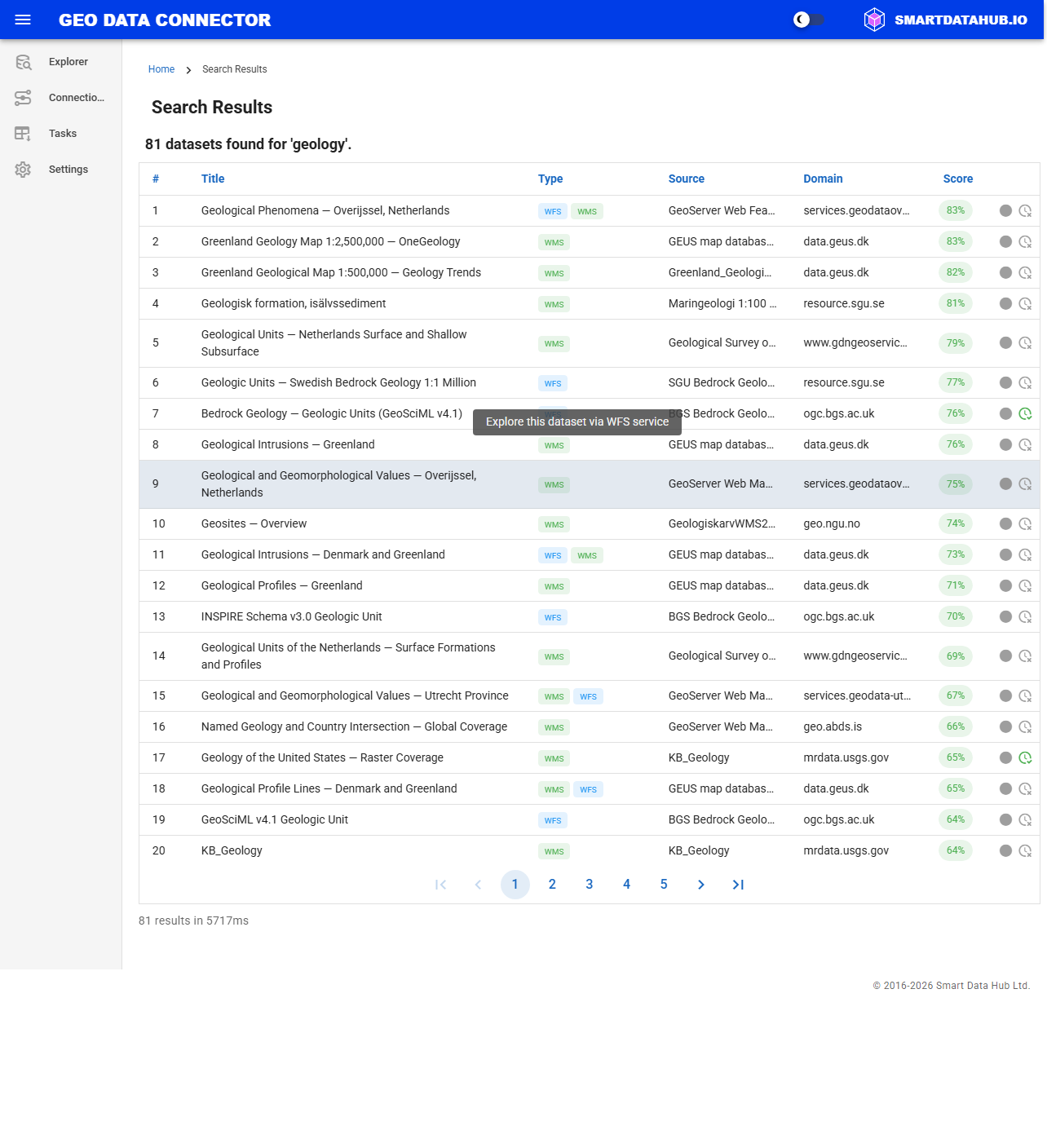
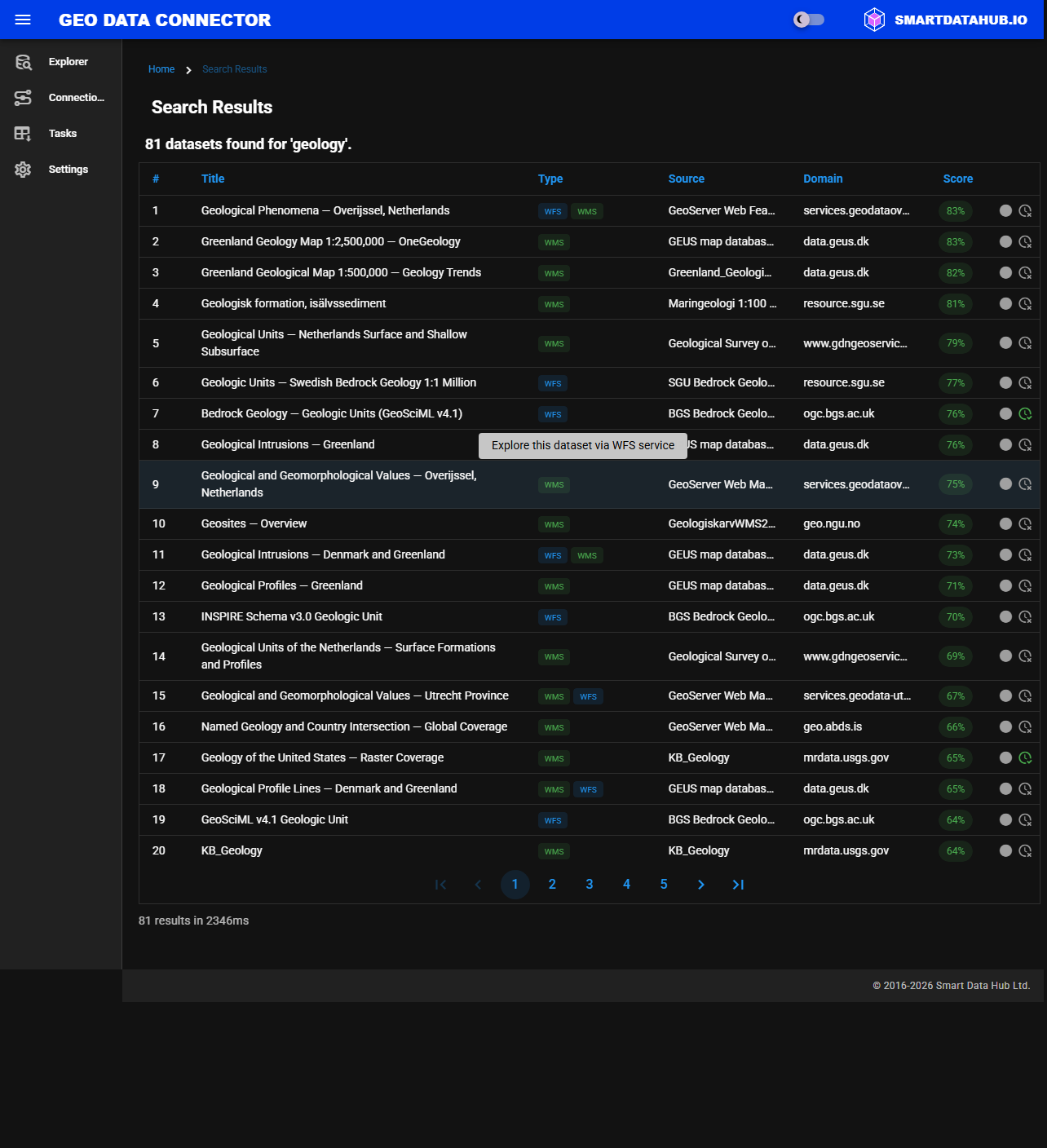
Search results for a sample query
Tip: If your query includes a geographic reference (such as a country or region name), the Connector uses spatial context to improve relevance.
Previous: Step 1: Start the Application