
Appearance
Step 5: Monitor Progress
After subscribing, Geo Data Connector retrieves the dataset in the background. You can follow the progress from the Subscriptions screen.
Navigating to Subscriptions
Click Subscriptions in the left navigation to open the Subscriptions screen.
Reading the status
Each row in the subscription table shows the current status of that subscription:
| Status | What it means |
|---|---|
| CREATED | The subscription was just created; a run is starting. |
| IN PROGRESS | Geo Data Connector is actively retrieving the dataset. The info icon shows the current phase. |
| SUCCESS | The retrieval completed successfully. Data files are ready to download. |
| FAILED | The retrieval encountered a problem. See the info icon for details. |
| RETRYING | A previous attempt did not complete; Geo Data Connector is automatically retrying. |
| SKIPPED | The run was skipped (for example, the daily limit was reached). |
| INACTIVE | The subscription is suspended — no new runs will start. |
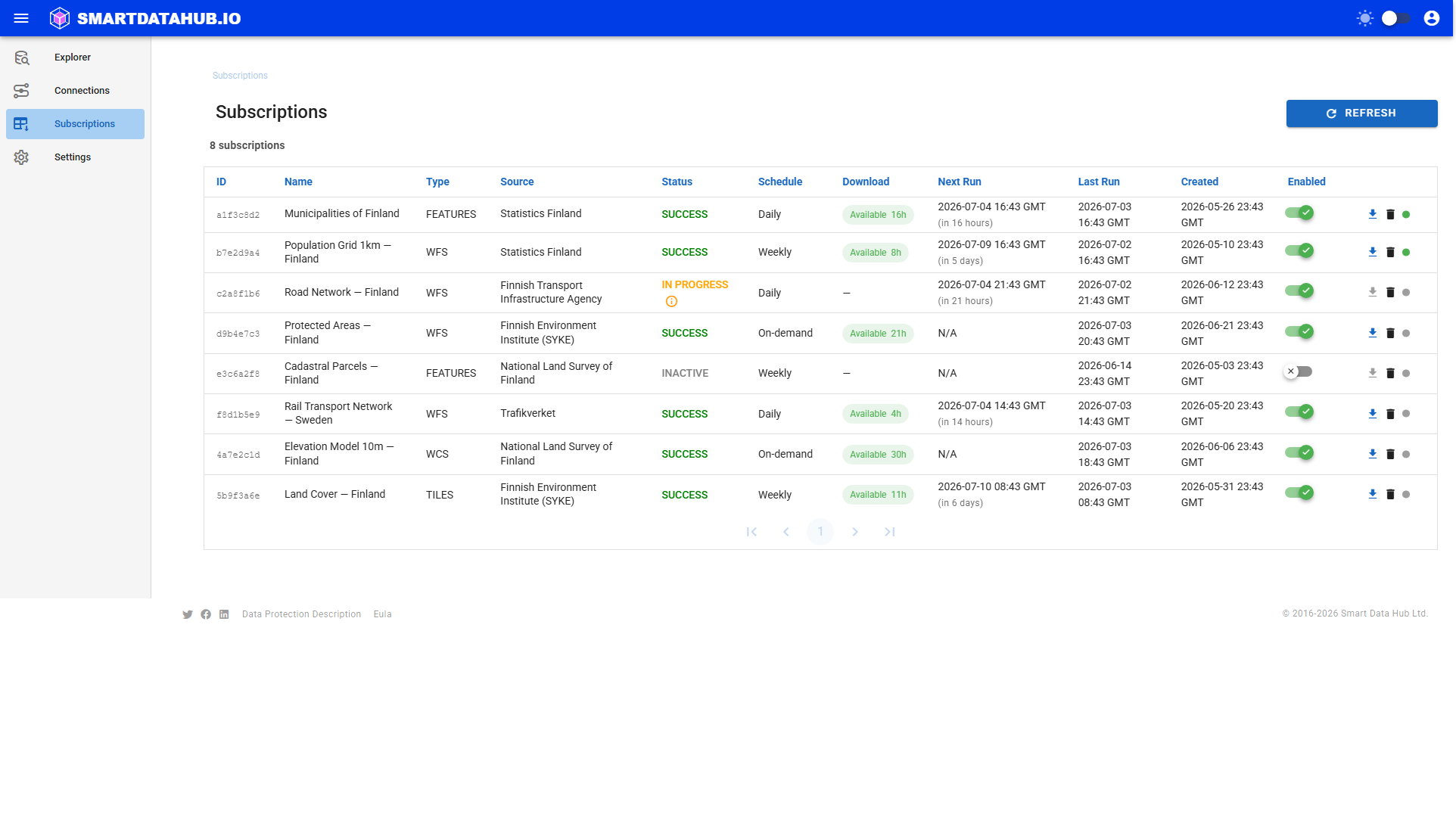
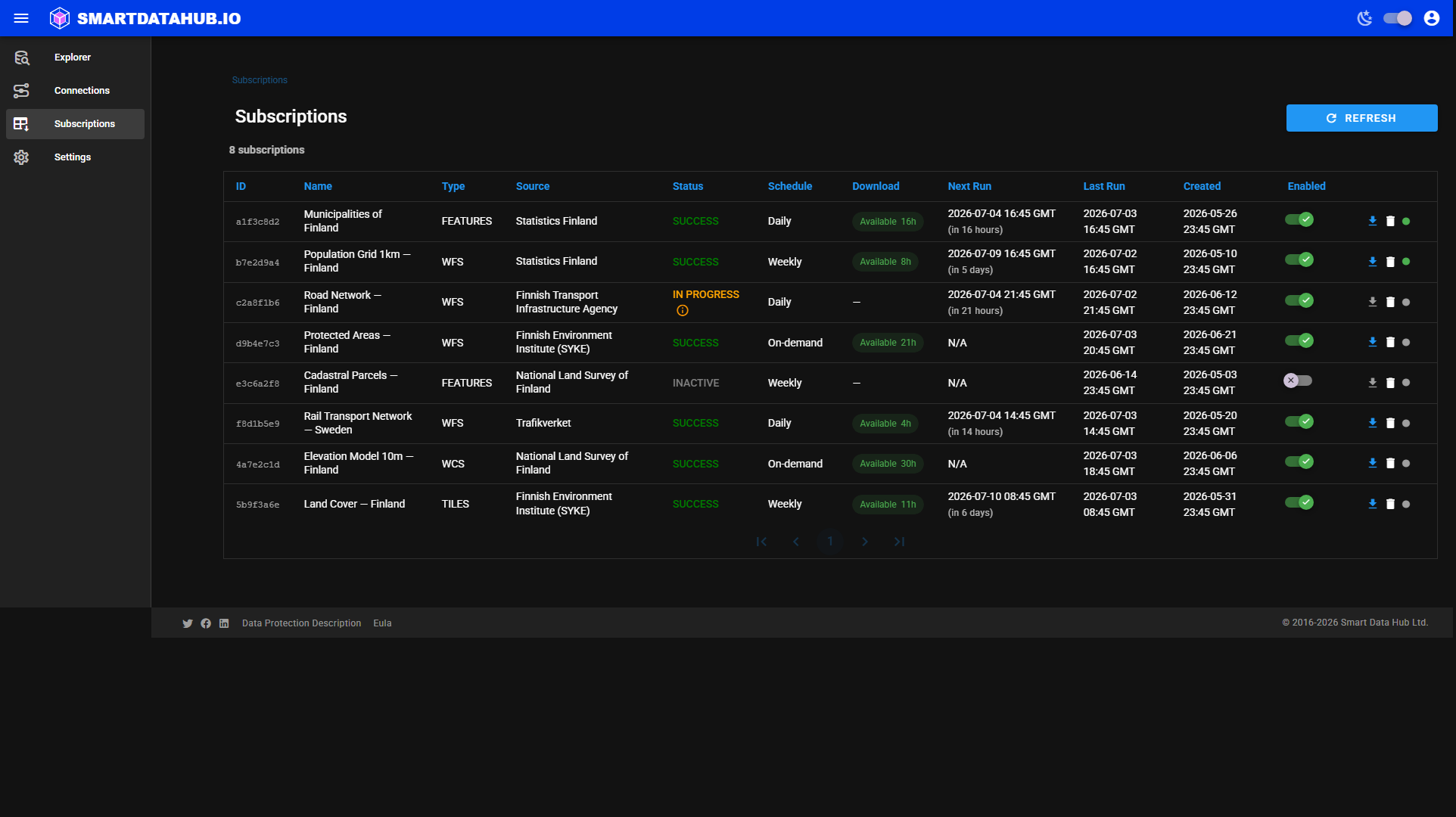 Subscriptions list — the Status column shows where each subscription is in its lifecycle.
A scoped subscription that has outgrown the size budget it was created with shows an additional Needs re-scope badge next to its status (and its status becomes INACTIVE, since it's automatically suspended). See Subscription Didn't Run for what this means and what to do.
Refreshing
The Subscriptions screen does not auto-refresh. Click Refresh (top right) to reload the current status of all subscriptions.
Phases during a run
When a subscription is IN PROGRESS, hovering over or clicking the info icon next to the status shows the current retrieval phase — for example, "Connecting (1/6)" or "Retrieving data (3/6)". These phases are informational; no action is required from you while a run is in progress.
Typical run duration
Retrieval time depends on the size of the dataset and the responsiveness of the source service. Small datasets (a few thousand rows) typically complete in under a minute. Larger datasets can take several minutes.
If a run is taking longer than expected or has entered the RETRYING state, see Subscription Didn't Run for guidance.