
Appearance
Step 2: Find Data
The Geo Data Connector home screen has a single search bar that accepts either a text query or a service URL. Geo Data Connector detects which mode you are in and behaves accordingly.
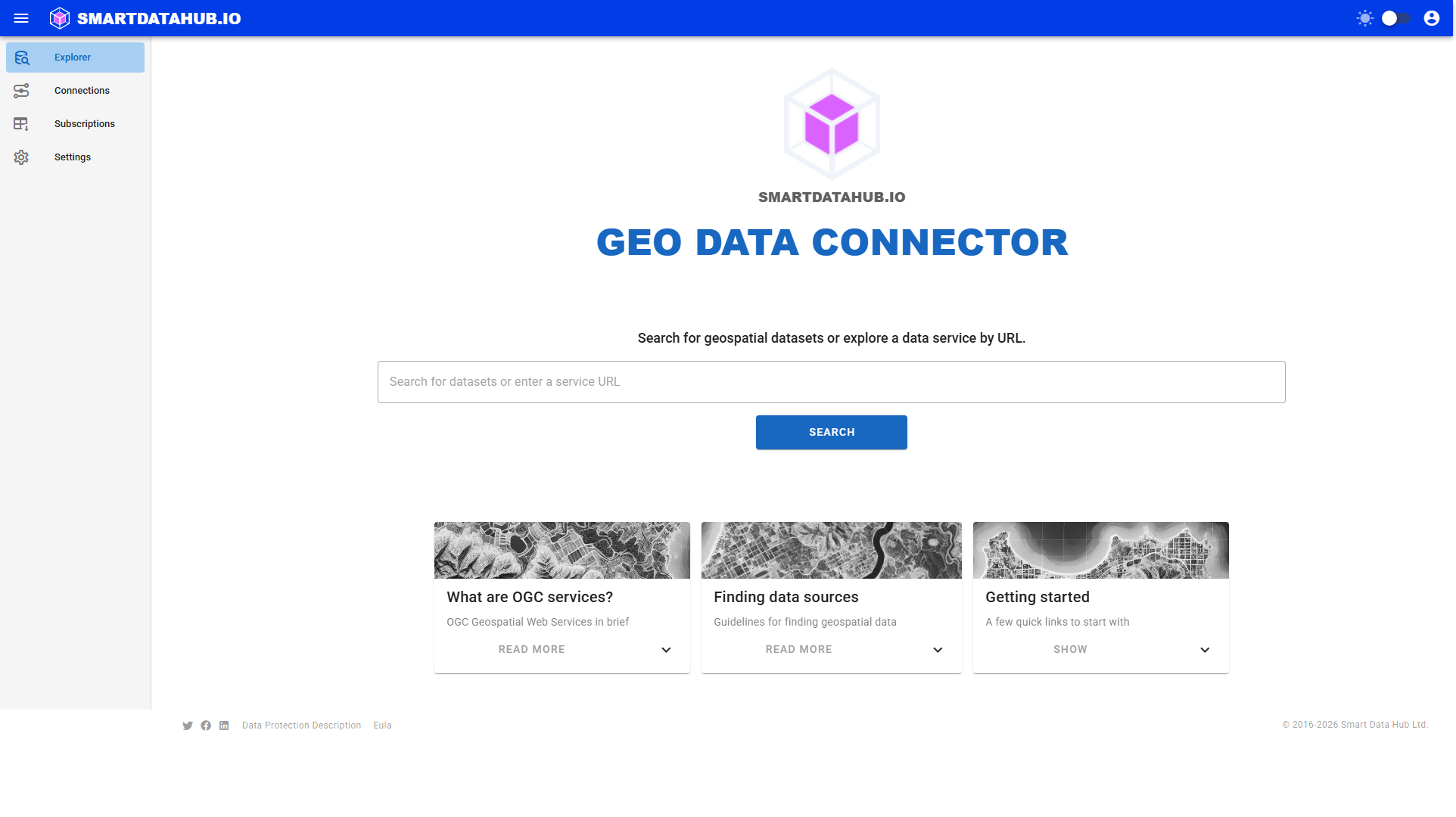
 The home screen — enter a keyword or a service URL.
Searching by keyword
Type a keyword or phrase (at least 2 characters) and click Search. Geo Data Connector returns a ranked list of matching datasets from its index.
Click any result to open it. If the result is a specific dataset, Geo Data Connector opens the Dataset Details page directly. If it is a catalogue or service with multiple datasets, it opens the Discovery or Service view so you can browse and choose.
Tip: Search terms like "soil maps Finland", "protected areas Europe", or "administrative boundaries" typically yield good results. The more specific your query, the more relevant the results.
Exploring by URL
If you know the URL of a data service, paste it into the search bar and click Explore. Geo Data Connector contacts the service and displays what it finds — which may be a list of available data sources, the datasets within a single source, or details about one specific dataset, depending on the URL.
Do not include credentials in the URL. If the service requires authentication, set up a Connection and Geo Data Connector will apply the credentials automatically.
Where to find service URLs:
- National spatial data catalogues (e.g., Data.gov, Data.europa.eu, open.canada.ca)
- National mapping agency websites (e.g., Ordnance Survey)
- Local and regional government geoportals
- University and research institution data portals
- Any organization publishing OGC-compliant services
The home screen "Getting started" card contains example CSW catalogue URLs from several Nordic and European countries that you can click to paste directly into the search bar and try.
What happens next
- Keyword search → Search Results page, then click a result. Specific dataset results open the Dataset Details page directly; catalogue and multi-dataset results open Discovery or Service to browse further.
- URL explore → Discovery page, then navigate to a dataset.
In both cases, your goal is to reach the Dataset Details page for a dataset you want to retrieve.