
Appearance
Step 1: Sign In
Geo Data Connector uses passwordless sign-in. You provide your email address and authenticate by clicking a link — or entering an 8-digit code — from the email Geo Data Connector sends you. No password is ever required.
How to sign in
Open gdc.smartdatahub.io in your browser. You will see the sign-in screen.
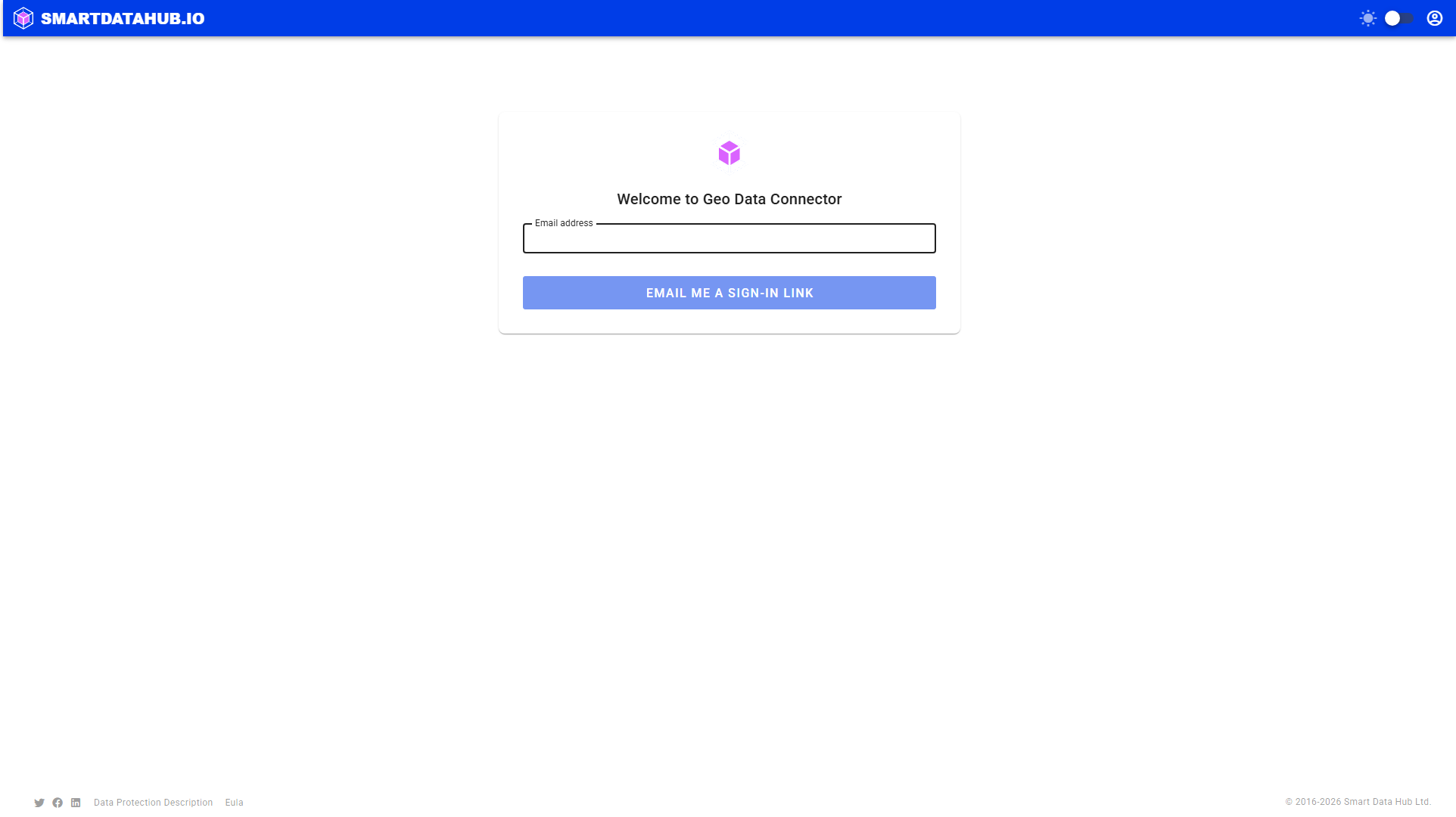
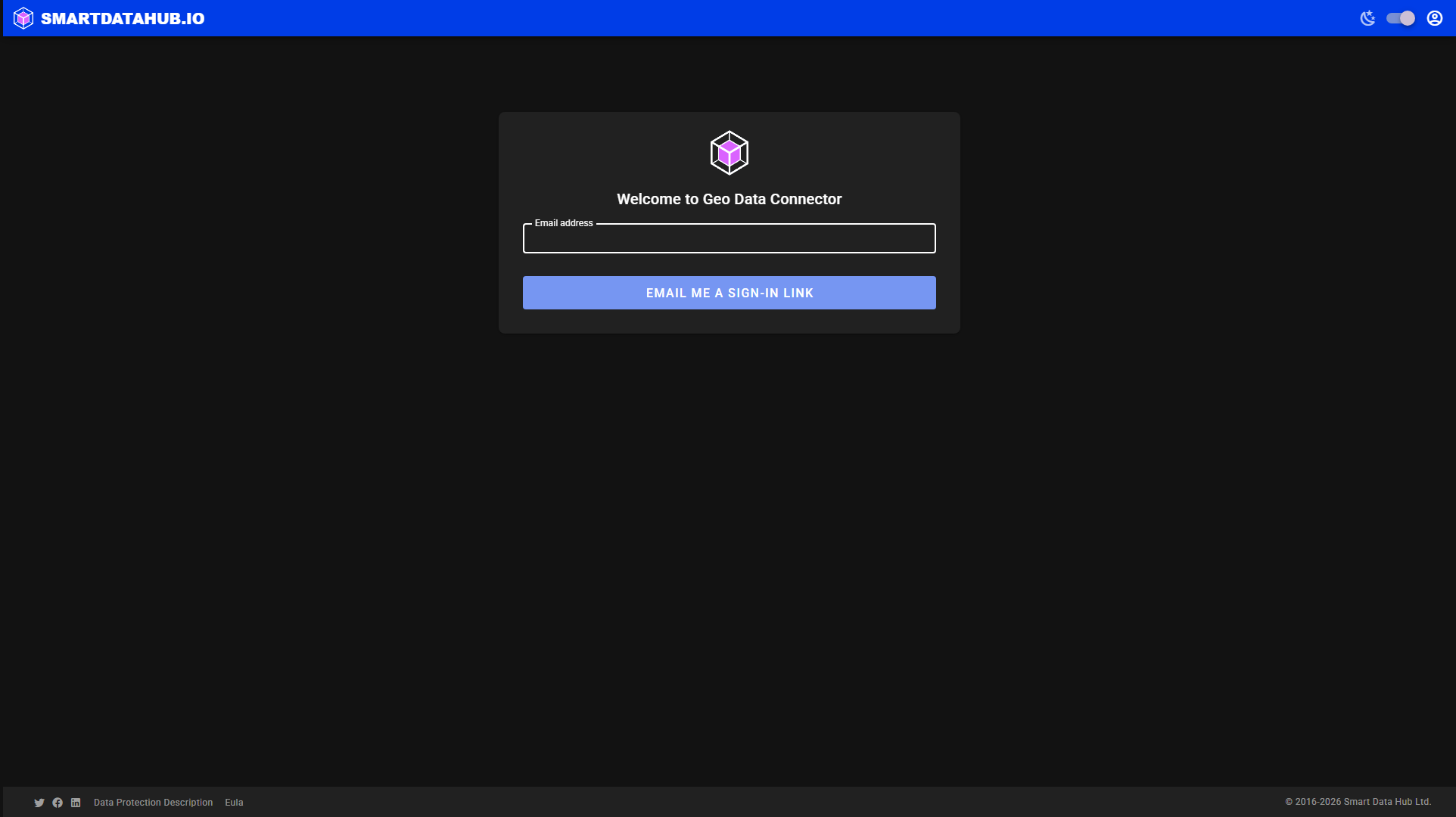 Enter your email address and click "Email me a sign-in link".
Enter your email address and click Email me a sign-in link.
Geo Data Connector sends you an email containing:
- A clickable sign-in link.
- An 8-digit one-time code (in case you cannot click the link).
Option A — click the link: Open the email and click the sign-in link. The browser tab that is waiting for you completes sign-in automatically.
Option B — enter the code: If you prefer not to click the link, click Sign in with a code instead on the sign-in screen, then type the 8-digit code from the email and click Verify code.
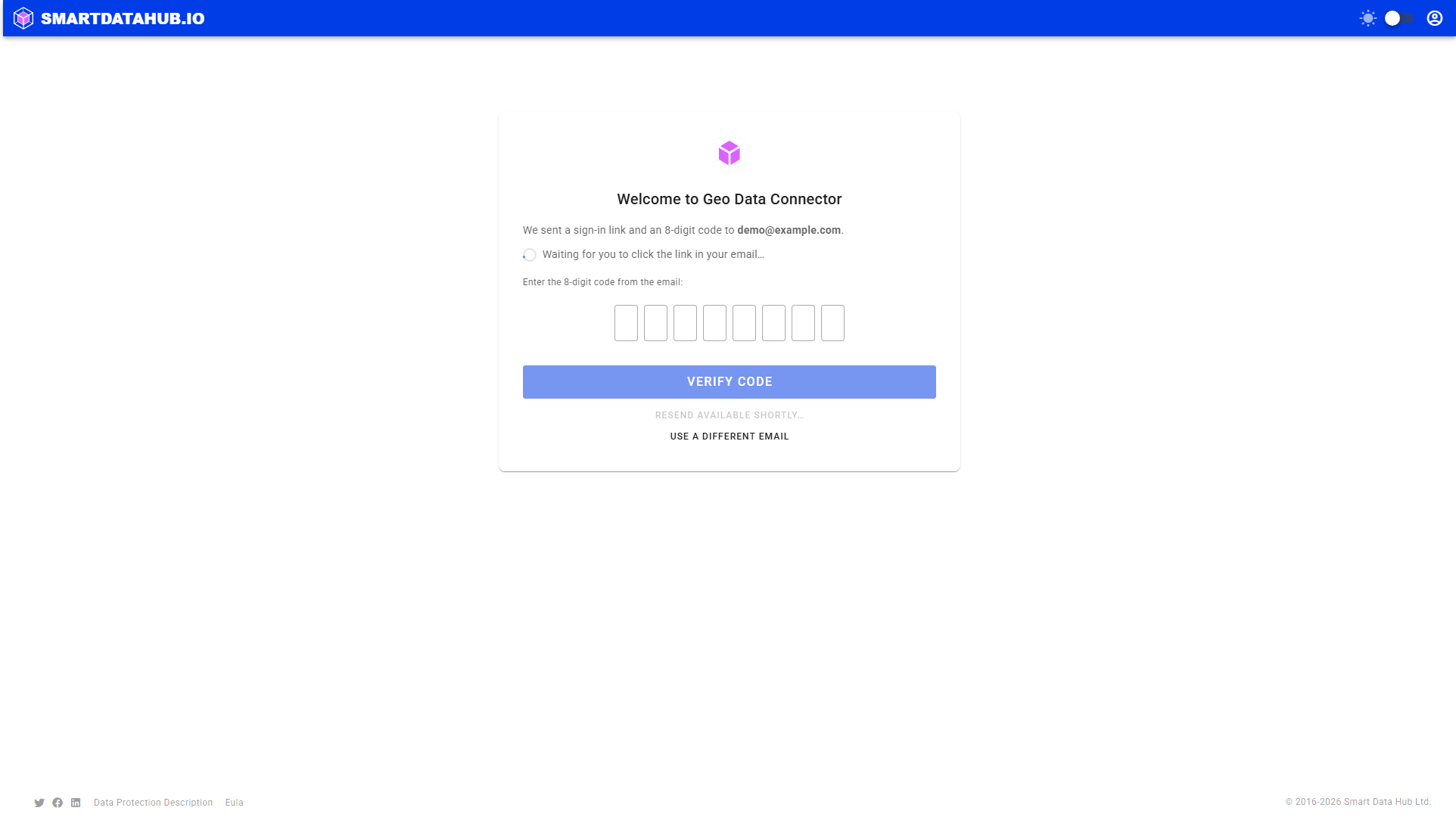
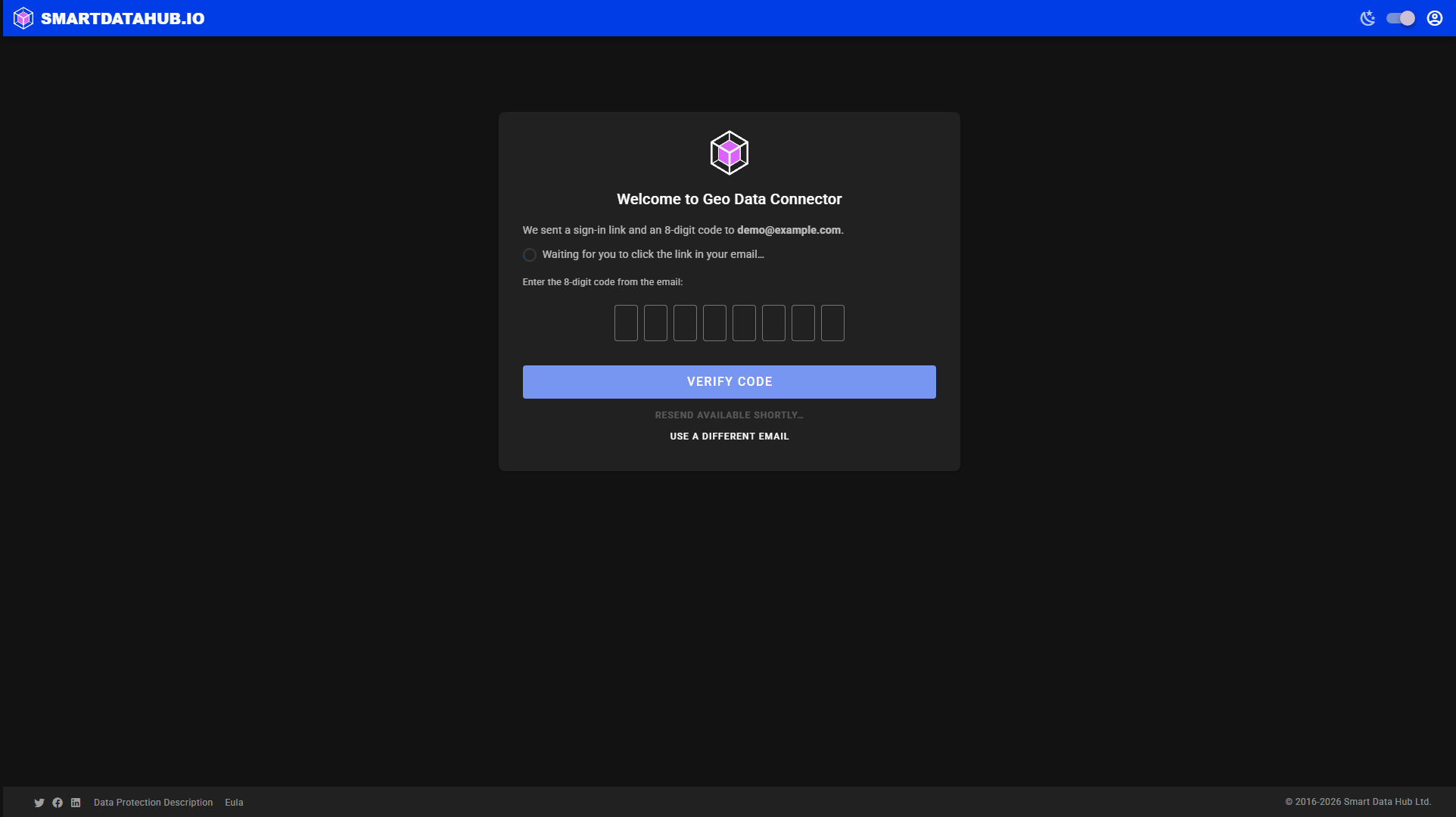 The 8-digit code entry — an alternative to clicking the link.
Sign-in links and codes expire after 15 minutes. If yours has expired, click Use a different email to start over, or wait for the Resend email button to become available (it appears about 60 seconds after the first request).
What to expect after sign-in
After signing in successfully you are taken to the Geo Data Connector home screen, where you can search for datasets or explore a data service by URL.